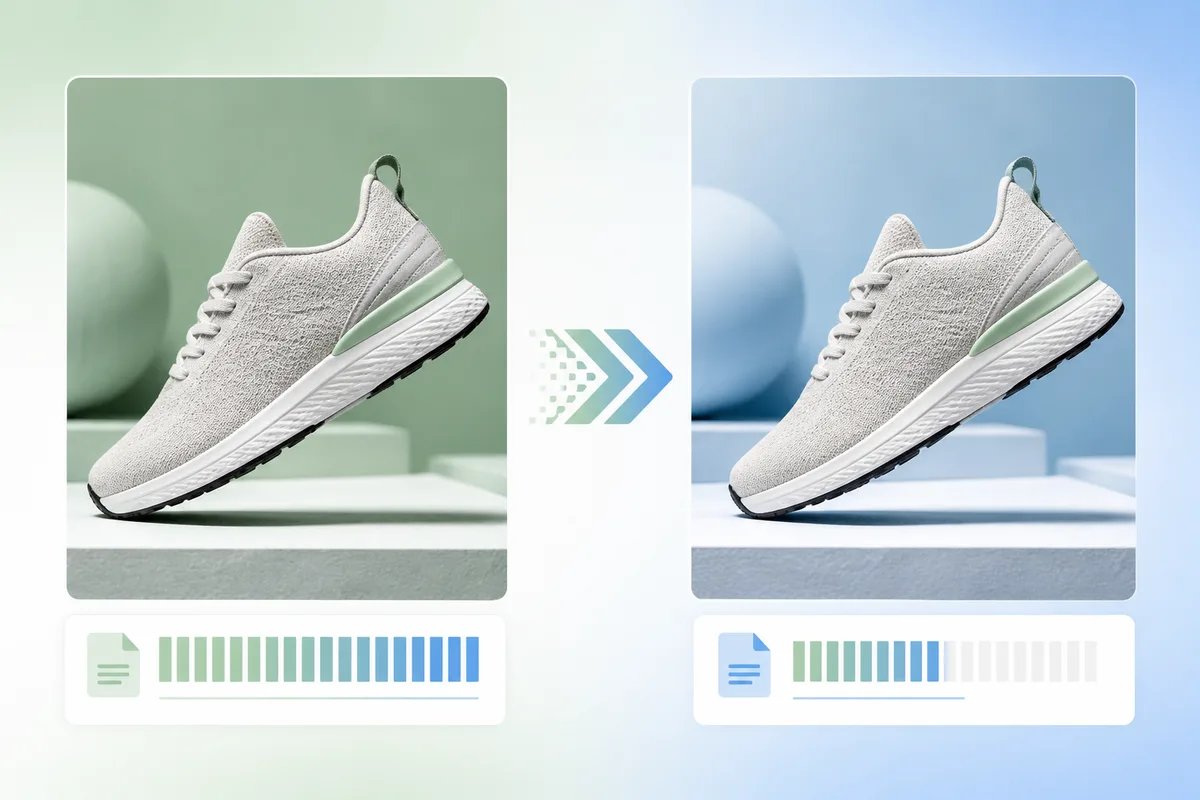
Heavy product photos slow pages, hurt mobile conversions, and waste bandwidth. Resize to the real delivery dimensions first, then compress to WebP (or JPEG where a marketplace requires it) so heroes stay sharp around 200–300 KB instead of several megabytes.
Why product image file size affects sales
On many product pages the hero image is the Largest Contentful Paint element. A multi-megabyte JPEG can delay first impression by seconds on cellular networks. Shoppers bounce before they ever see the add-to-cart button. Smaller, correctly sized images improve Core Web Vitals and keep attention on the product.
Recommended file size targets
| Use case | Dimensions | Target size |
|---|---|---|
| Hero / main product | 2000 × 2000 | Under 200–300 KB |
| Gallery / secondary | 1600–2000 px | 150–250 KB |
| Thumbnails | 400 × 400 | Under 50 KB |
| Zoom / detail (on demand) | 3000+ px | Up to ~500 KB–1 MB |
WebP vs JPEG vs PNG: which should you use?
- WebP: Default for Shopify, WooCommerce, and custom sites you control. Smaller files, strong quality, transparency support when needed.
- JPEG: Still the safest main-image format for Amazon and many marketplace pipelines.
- PNG: Use only when you truly need lossless detail or transparency and WebP is not an option. PNG product shots are often far larger than necessary.
Platform shortcut
Keep a high-quality master, then export channel-ready files with AutoSizer for Shopify or marketplace presets so dimensions and format stay consistent across SKUs.
Compression workflow that preserves quality
- Crop and resize to the real display size (often 2000×2000 for product heroes)
- Choose WebP for your site, JPEG for Amazon-style marketplaces
- Start around quality 80–85% and only raise quality if edges look soft
- Check the hero on a phone; detail that disappears at 5 inches is wasted weight
- Lazy-load below-the-fold gallery images; preload only the true LCP hero
- Use descriptive hyphenated filenames for SEO, then compress
Common mistakes that inflate file size
- Uploading full camera exports (4000–8000 px) when the store only shows 1200–2000 px
- Saving product photos as PNG by default
- Compressing first, then resizing (you re-encode twice and still ship oversized pixels)
- Ignoring thumbnail and mobile variants while optimizing only desktop heroes
Pair size with SEO and conversion basics
File size is one pillar. Pair it with alt text, clean filenames, and the right crop. Use our image SEO checklist and mobile product image guide so compression gains show up in both rankings and checkout rates.
FAQ
What file size should product images be?
For most storefronts, target under 200–300 KB for a 2000×2000 product hero, under 150–250 KB for gallery images, and under 50 KB for thumbnails. Prioritize the above-the-fold hero because it often drives Largest Contentful Paint.
Is WebP better than JPEG for ecommerce?
Yes for sites you control. WebP is typically 25–35% smaller than JPEG at similar quality and has broad browser support. Use JPEG when a marketplace pipeline expects it, especially Amazon main images.
Does compressing images hurt conversions?
Over-compression does. Soft, blocky photos reduce trust. The goal is the lowest file size where detail still looks sharp on mobile. Quality around 80–85% for WebP or JPEG is a strong starting point for product photos.
Should I upload WebP to Amazon or Etsy?
Amazon main images are most reliable as JPEG. Etsy listings are generally safest as JPEG or PNG. Shopify and many custom storefronts handle WebP well, and Shopify often serves modern formats automatically after upload.
How do I shrink product photos without losing quality?
Resize to the real delivery size first, then compress. A 6000px camera export that you compress as JPEG is still heavy. Export at 2000×2000 (or the platform target), convert to WebP or JPEG, then verify on a phone screen.
Next step
Audit your top 20 product pages. If any hero is over 500 KB after resize, re-export with the targets above. Then batch the rest of the catalog so every listing shares the same quality bar.