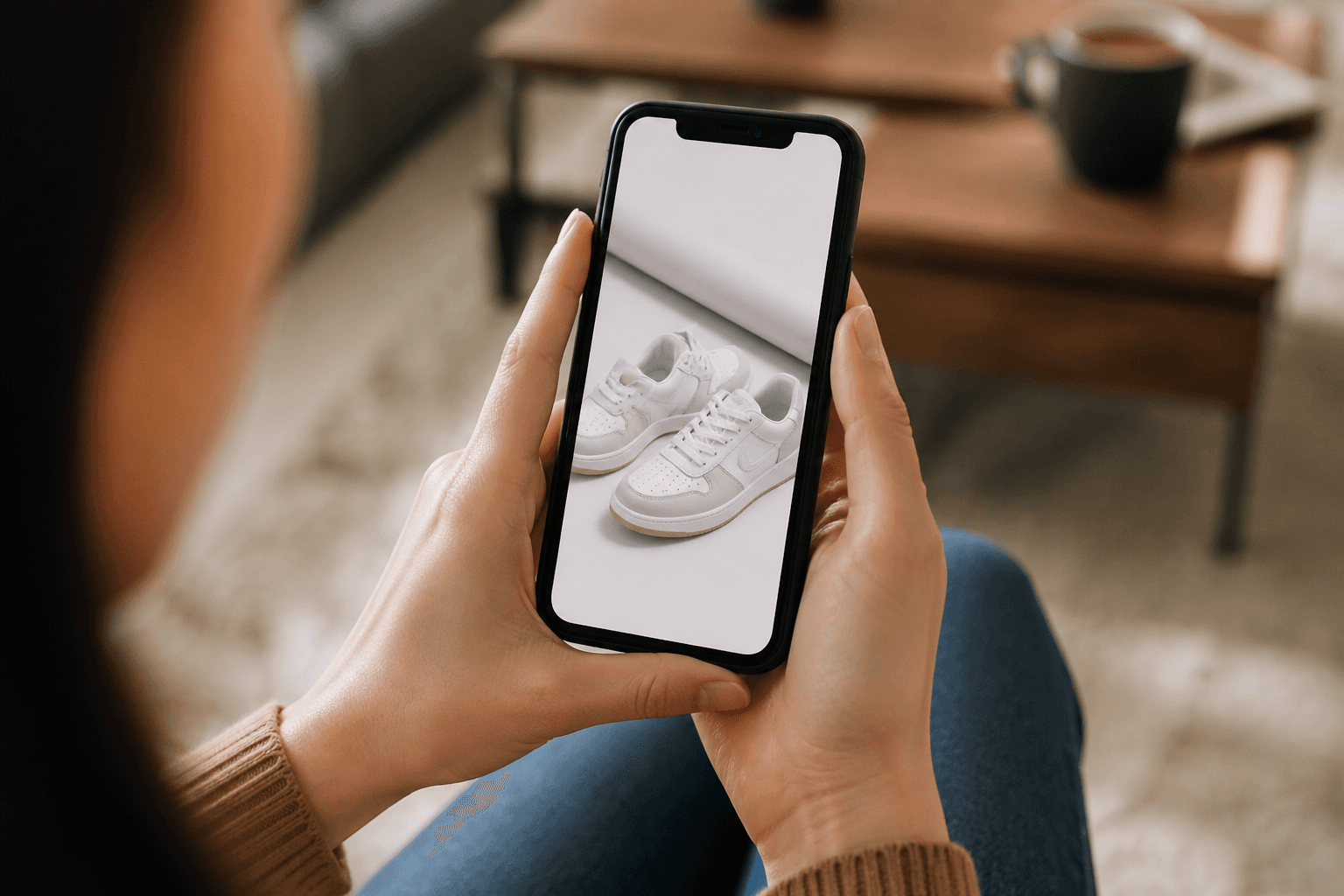
More than half of online shopping now happens on phones. If your product images aren't optimized for mobile, you leave sales on the table—even if your photos look great on a desktop monitor.
Why Mobile-First Images Matter
On a small screen, customers see less of your page at once. Product images take center stage, and small issues—like tiny text, awkward cropping, or dark lighting—are amplified. Mobile-optimized images:
- Load quickly over slower mobile connections.
- Keep the main product clearly visible in limited viewport space.
- Make zoom and gallery interactions feel seamless.
1. Use Platform-Recommended Dimensions
Start with the right base size for each platform. Using recommended dimensions means less chance of auto-cropping or blurry scaling on mobile:
- Etsy: 2000×2000 px – use the Etsy Image Resizer.
- Shopify: 2048×2048 px – use the Shopify Image Resizer.
- Amazon: 1000×1000+ px – use the Amazon Image Optimizer.
2. Center the Subject for Small Screens
On mobile, edge details are often cut off or hidden behind UI. Keep your main subject centered, and avoid placing critical information in the corners. AutoSizer's thumbnail-safe cropping is designed with this in mind.
3. Keep Text Minimal and Legible
Text overlays that look fine on desktop frequently become unreadable on phones. If you must use text in images:
- Use large, high-contrast fonts.
- Limit text to a few words or a short headline.
- Never rely on text in images for critical information—repeat it in your description.
4. Optimize File Size Without Losing Quality
Heavy images kill mobile conversion. Aim for a balance between clarity and speed:
- Keep most product images between ~300 KB and 1 MB when possible.
- Use JPG for photos and PNG/WebP only when you genuinely need transparency or sharp graphic edges.
- Let AutoSizer handle compression so you don't have to fiddle with export settings.
5. Test Like a Customer
After uploading images, view your listings on an actual phone. Check:
- Does the main product stay visible in grid and search views?
- Is zoom sharp enough to see texture, stitching, or fine details?
- Do lifestyle images still read clearly on a small screen?
Conclusion
Mobile product image optimization isn't about doing more work—it's about using the right dimensions, cropping, and compression from the start. With AutoSizer handling the technical details, you can focus on taking great photos while knowing they'll look sharp on every customer's phone.