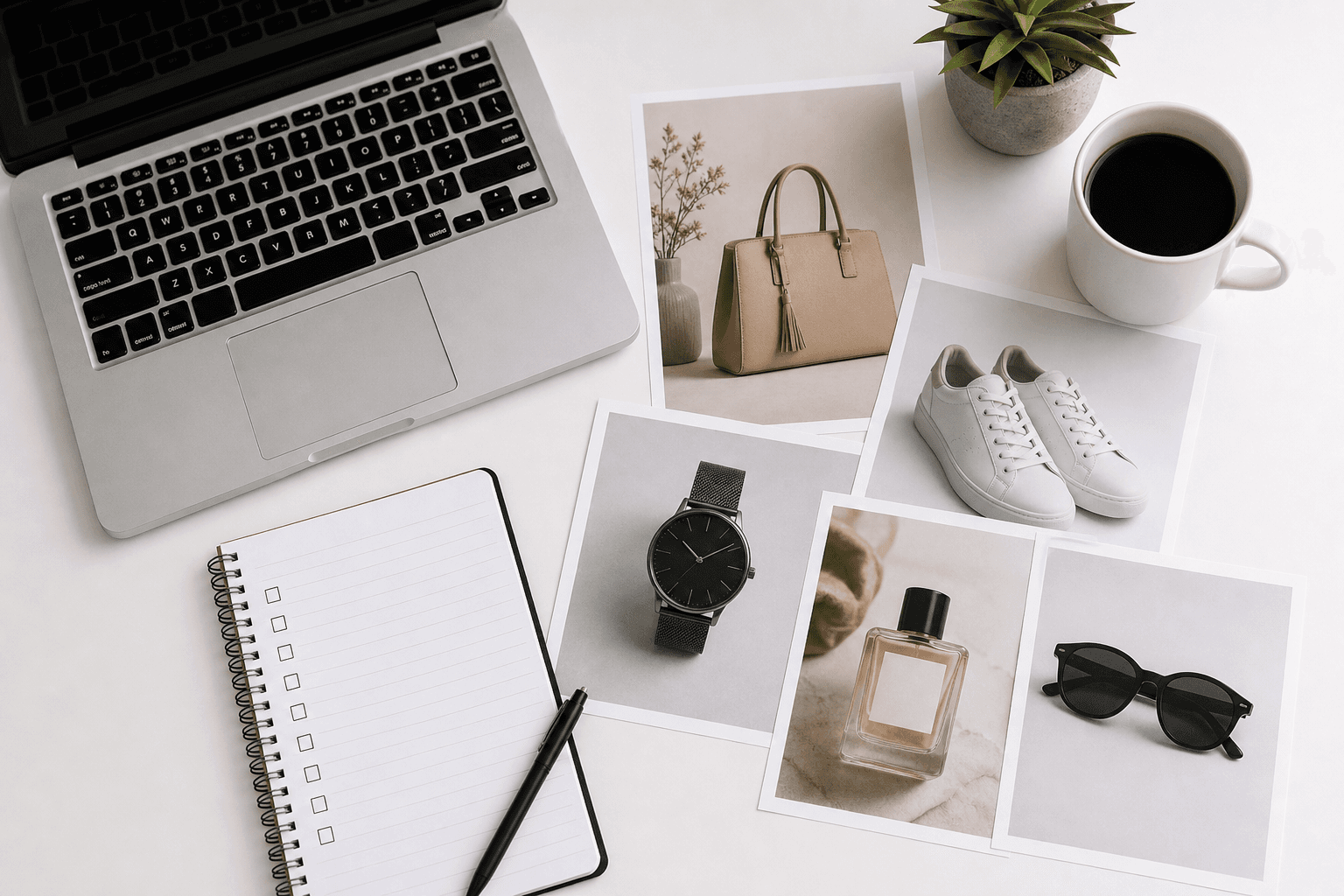
Search engines can't "see" your product photos—but they can read everything around them. Follow this checklist to turn every image into an SEO asset that helps shoppers discover your store.
1. Start With the Right Image Size
Oversized images slow down your site, which hurts rankings and conversion rates. Undersized images look blurry. Use platform-recommended dimensions and let AutoSizer handle sizing:
- Etsy: 2000×2000 px → use the Etsy preset.
- Shopify: 2048×2048 px → use the Shopify preset.
- Amazon: 1000×1000+ px → use the Amazon preset.
2. Use Descriptive File Names
Instead of generic names like IMG_1234.jpg, use descriptive, keyword-rich filenames:
handmade-ceramic-mug-blue-speckled-etsy.jpggold-hoop-earrings-shopify-product-photo.jpg
Use hyphens instead of spaces, and avoid keyword stuffing. File names should read like short, human-friendly descriptions.
3. Write Helpful Alt Text
Alt text helps screen readers describe images to visually impaired users and gives search engines more context. Effective alt text:
- Describes what's in the image, including color, material, and type of product.
- Uses a primary keyword naturally, if it fits.
- Stays under ~125 characters when possible.
4. Keep File Sizes Under Control
Google uses page speed as a ranking factor. Heavy images are one of the most common performance bottlenecks on e-commerce stores. Use AutoSizer to compress images while preserving visual quality and:
- Keep product photos in the ~300 KB–1 MB range where possible.
- Prefer JPG over PNG for photos.
5. Use Consistent, High-Quality Images
Search engines track engagement. If your images look inconsistent or unprofessional, users bounce—and that sends negative signals back to Google and marketplace algorithms. Aim for:
- Similar lighting and backgrounds across products.
- At least 3–5 photos per product from multiple angles.
6. Connect Images to Relevant Content
Link product photos and lifestyle images from relevant blog posts, guides, and collection pages. For example:
- Link from an Etsy photography guide to your main product images processed with the Etsy Image Resizer.
- Use the same hero imagery across your store and educational content to reinforce relevance.
Conclusion
Image SEO isn't a one-time task—it's a simple checklist you can apply to every new product and content piece. With the right sizes from AutoSizer plus thoughtful filenames, alt text, and internal links, your images can actively support your organic growth instead of just sitting on the page.