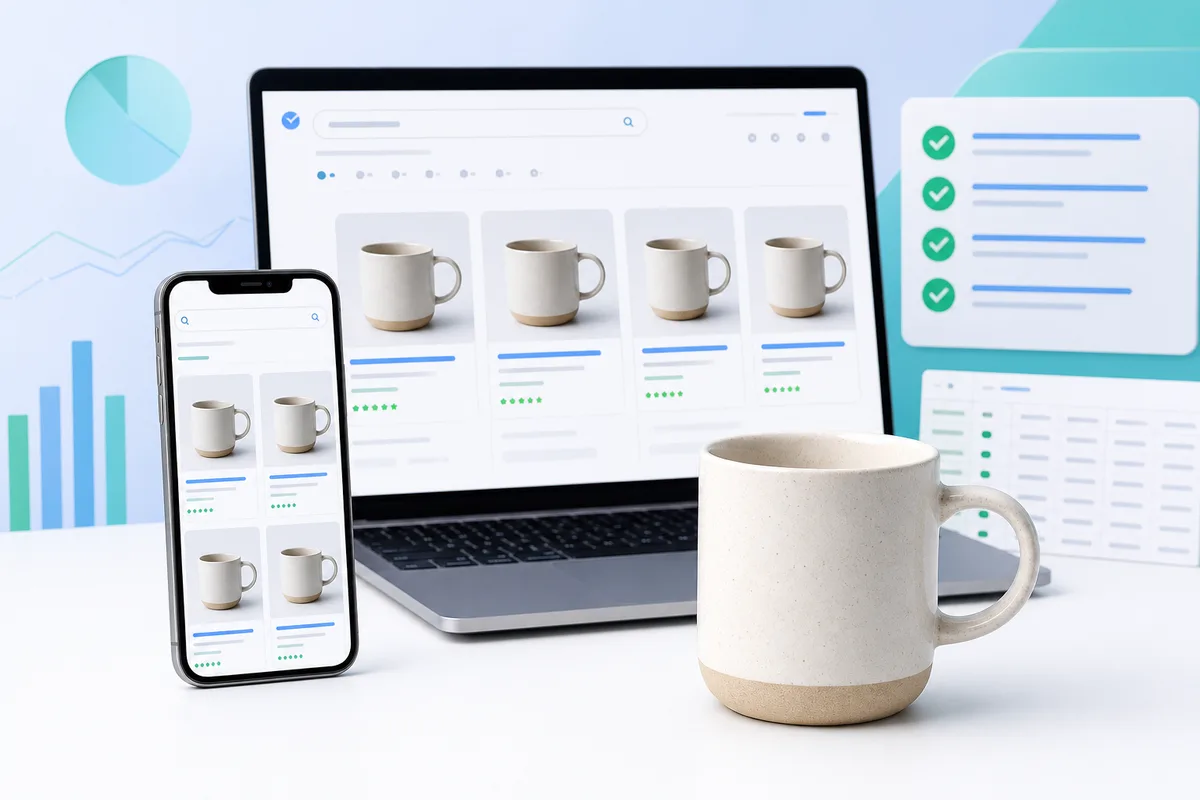
Google Shopping rewards product images that are sharp, large enough for every surface, and free of promotional clutter. Aim for 1500×1500 pixels or larger (2000×2000 is safer), keep the main image clean, and fill every allowed image slot so shoppers see your product clearly in ads and free listings.
What size do Google Shopping images need?
The hard minimum is 500×500 pixels. Google recommends images near or above 1500×1500 so products look sharp in Shopping ads, free listings, and high-resolution devices. If you sell across Amazon or Etsy too, exporting at 2000×2000 once usually covers every channel.
| Spec | Requirement |
|---|---|
| Minimum size | 500 × 500 px |
| Recommended size | 1500 × 1500 px or larger |
| Practical target | 2000 × 2000 px (multi-channel ready) |
| Max file size | 16 MB |
| Max resolution | 64 megapixels |
| Formats | JPEG, PNG, WebP, GIF, BMP, TIFF |
Primary vs additional vs lifestyle images
Merchant Center supports up to 12 images per product. Use them with intent:
- image_link (required): Hero packshot. Product clearly visible, ideally 75–90% of the frame, solid white or transparent background, no text overlays.
- additional_image_link (up to 10): Angles, details, scale, packaging, color variants, on-model shots.
- lifestyle_image_link (1): Product in a real context. Lifestyle images can improve click-through when paired with a clean primary image.
Quick win for multi-channel sellers
Shoot or export once at 2000×2000, then batch resize with AutoSizer for Amazon, Etsy, Shopify, and Google Shopping feeds instead of editing each SKU by hand.
Rules that cause most image disapprovals
- Product must be clearly visible and accurately represent what you sell
- No promotional text, price stickers, watermarks, or borders on the primary image
- Image URLs must be publicly reachable over HTTP or HTTPS with no login wall
- Avoid placeholders, mosaics, and adult or prohibited content
- Keep URLs stable; broken or redirected image links drop ads fast
Merchant Center image checklist
- Primary image at 1500×1500 or larger (prefer 2000×2000)
- Clean white or transparent background on the hero shot
- Product fills most of the frame without awkward cropping
- At least 3 additional angles; fill more slots when you can
- One lifestyle image for context when it helps the category
- Descriptive, hyphenated filenames such as navy-wool-beanie-front.webp
- Feed image URLs return 200 and stay stable after catalog updates
How Google Shopping images compare to Amazon and Etsy
Amazon main images need pure white (RGB 255, 255, 255) and typically 1000px+ for zoom. Etsy works best around 2000×2000 with thumbnail-safe crops. Google is more flexible on background for additional images, but a clean primary still wins. If you keep one master at 2000×2000 with a pure white background, you can derive compliant assets for all three. See our Amazon listing photos guide and white background product photos guide for packshot detail.
FAQ
What size should images be for Google Shopping?
Google requires at least 500×500 pixels for product images, but recommends 1500×1500 or larger for best performance across Shopping surfaces. Upload 2000×2000 when you can so the same assets also work on Amazon and Etsy.
Does Google Shopping require a white background?
A solid white or transparent background is recommended for primary images. Avoid promotional text, watermarks, borders, and busy backgrounds on the main image_link. Lifestyle shots belong in lifestyle_image_link or additional images.
How many images can I submit per product in Merchant Center?
You can submit one primary image (image_link), up to 10 additional images (additional_image_link), and one lifestyle image (lifestyle_image_link), for up to 12 images per product.
What file formats does Google Shopping accept?
Google accepts JPEG, PNG, WebP, non-animated GIF, BMP, and TIFF. Keep each file under 16 MB and under 64 megapixels. JPEG or WebP at 2000×2000 is a practical default for most catalogs.
Why was my Google Shopping image disapproved?
Common causes include images that are too small, blocked by login, promotional overlays, placeholders, watermarks, or URLs that redirect or return errors. Fix the asset, update the feed URL, and reprocess the product.
Next step
Once your masters meet size and background rules, batch them for every sales channel so Merchant Center, Amazon, and your storefront stay consistent. Pair this guide with our product image file size and WebP guide so feed images stay fast without looking soft.