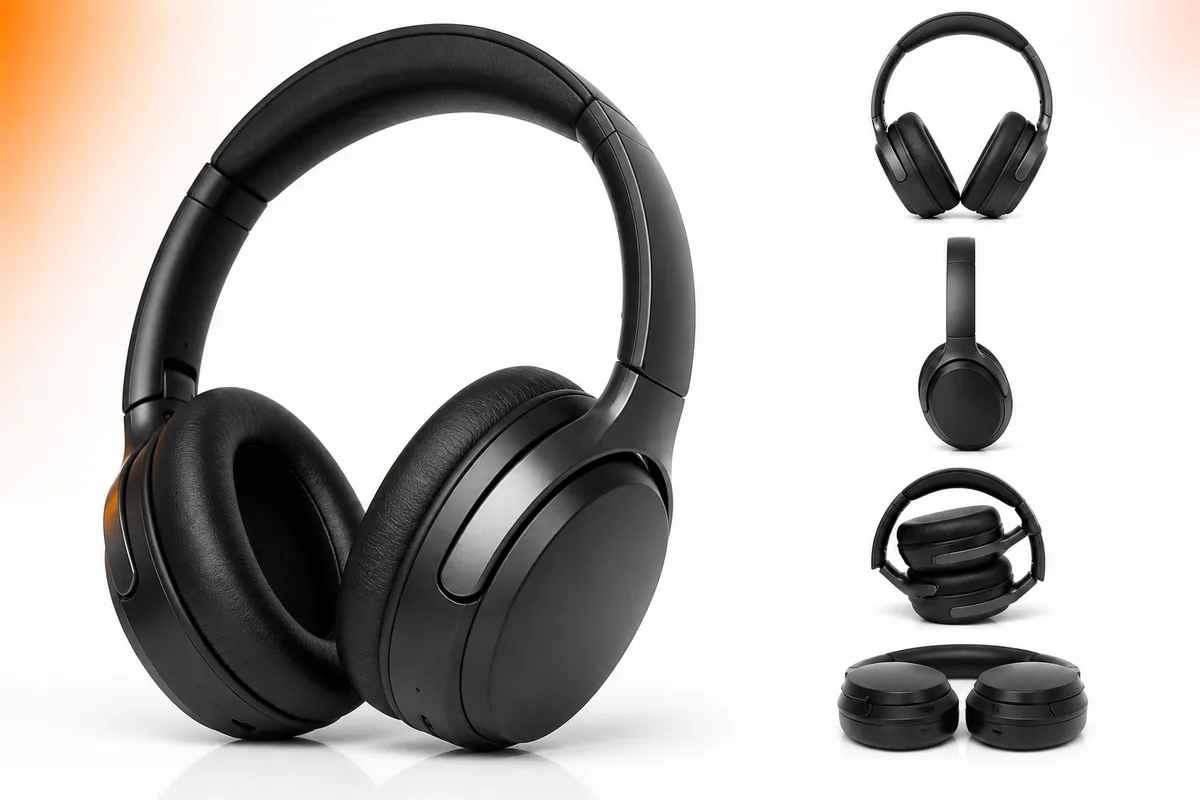
Your Amazon product images are the first thing potential customers see. Optimize them correctly and you'll see significant improvements in click-through rates, conversion rates, and overall sales on the world's largest marketplace.
Amazon Image Requirements
Main Product Image (Required)
- Dimensions: At least 1000×1000 pixels (recommended: 2000×2000)
- File Format: JPG, PNG, or GIF
- File Size: Maximum 10MB
- Background: Pure white (RGB: 255, 255, 255)
- Product Coverage: At least 85% of the image
Additional Images
Amazon allows up to 9 images per listing. Use these additional slots to show your product from different angles, in use, with size comparisons, and highlighting key features. Each image should be at least 1000×1000 pixels for best quality.
Best Practices for Amazon Product Images
1. Perfect Your Main Image
Your main product image appears in search results and is crucial for click-through rates. It must have a pure white background, show the product clearly, and fill at least 85% of the frame. This is the image that makes the first impression.
2. Show Multiple Angles
Use your additional image slots to show your product from different angles. Include front, back, side, and top views to give customers a complete understanding of your product. This reduces uncertainty and increases conversion rates.
3. Include Lifestyle Shots
Show your product in use or in a real-world context. Lifestyle shots help customers visualize owning and using your product, which increases emotional connection and sales. These images can have backgrounds other than white.
4. Highlight Key Features
Use close-up shots to highlight important features, materials, and details. This helps customers understand the quality and value of your product. Include images that show unique selling points that set your product apart.
5. Use Size Comparison Images
Help customers understand the size of your product by including comparison images. Show your product next to common objects or include measurements. This reduces size-related returns and improves customer satisfaction.
6. Optimize for Zoom
Amazon's zoom feature allows customers to see details of your product. Use high-resolution images (at least 1000×1000 pixels, preferably 2000×2000) to ensure your product looks sharp when zoomed. This builds trust and confidence in your product quality.
7. Follow Amazon's Image Guidelines
Amazon has strict image guidelines. Avoid including text, logos (except on the product itself), props, or lifestyle elements in your main image. Follow these guidelines to avoid listing suppression and ensure your images display correctly.
Common Mistakes to Avoid
- ✗Using low-resolution images that look blurry when zoomed
- ✗Not using a pure white background for the main image
- ✗Including text, logos, or promotional content in images
- ✗Not showing the product from multiple angles
- ✗Using images that don't meet Amazon's size requirements
Using AutoSizer for Amazon Images
AutoSizer makes it easy to optimize your Amazon product images. Simply upload your photos, select the Amazon preset, and our AI-powered tool automatically:
- Optimizes images to at least 1000×1000 pixels (Amazon's minimum requirement)
- Applies thumbnail-safe cropping to keep important details visible
- Optimizes file sizes for faster uploads while maintaining quality
- Processes multiple images at once with batch processing
Conclusion
Optimizing your Amazon product images is one of the most important steps you can take to improve your sales on the platform. By following Amazon's requirements and best practices, you can increase visibility, click-through rates, and conversions. Use AutoSizer to ensure all your Amazon images are perfectly optimized and ready to upload.