Why product photos look blurry after resizing
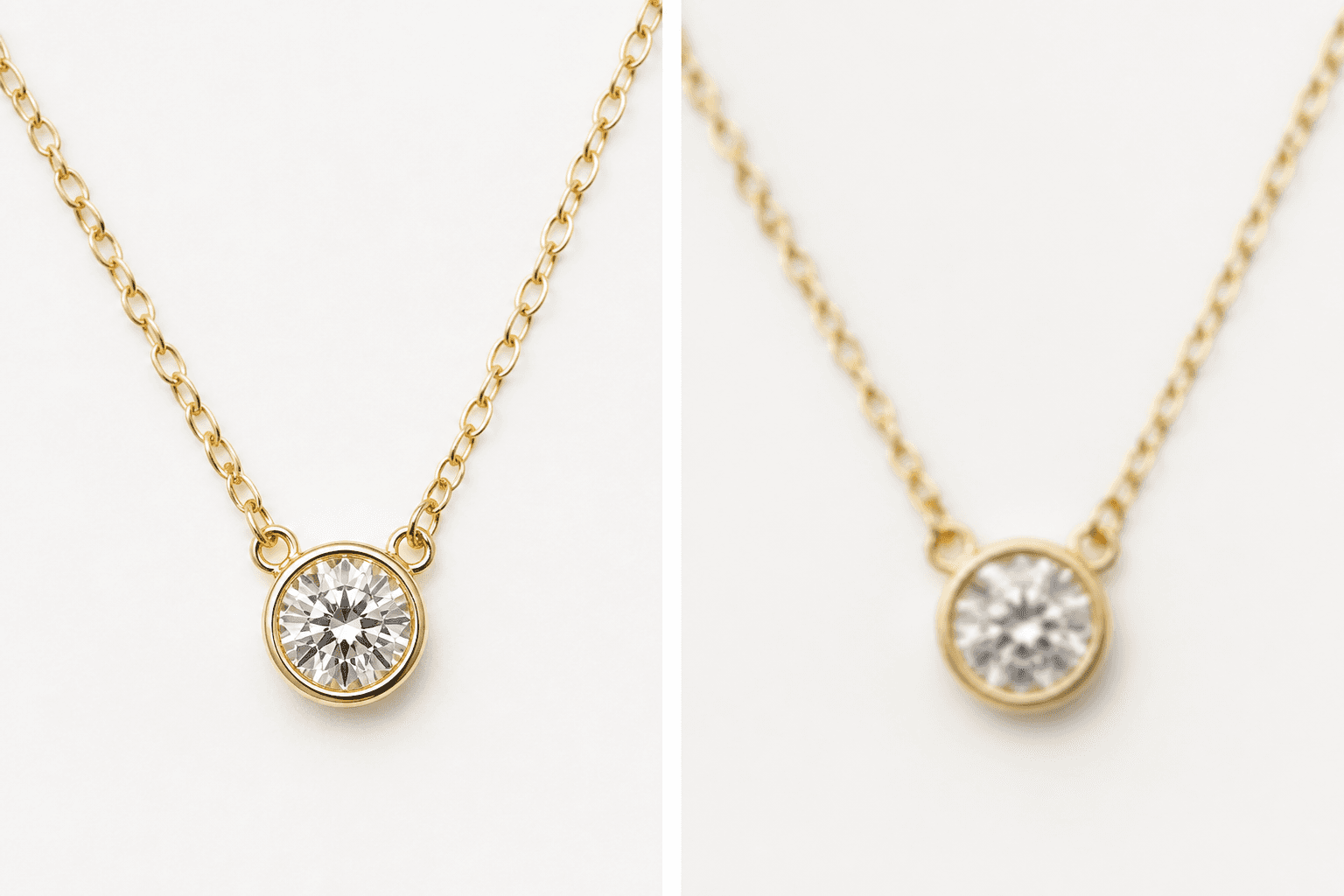
Marketplaces zoom. A photo that looks fine as a phone thumbnail falls apart on a 2000px Etsy zoom or Shopify hover. Blur after resizing is almost always a source problem, not a mystery filter.
The usual causes
- Upscaling a small original to 2000px.
- Saving JPEG after JPEG in chat apps, email, and editors.
- Screenshots instead of the camera original.
- Soft focus or motion blur that sharpening cannot honestly fix.
The one-pass rule
Decode the original once. Resize down to the platform size once. Download the ZIP. Upload. AutoSizer is built for that path: browser processing for the free tier, no extra export round-trips. See the WebP and file size guide if the marketplace also caps kilobytes.
When sharpening helps
A little sharpening after a modest downscale can restore edge contrast. It cannot reconstruct missing pixels. If the original is 800px wide, reshoot or use a higher-resolution file.
FAQ
Why do my product photos look blurry after I resize them?
Usually the source was already small, you upscaled, or the file was saved many times as a low-quality JPEG. Resize down from a large original. Do not stretch a 600px photo to 2000px.
Does WebP fix blur?
WebP can keep more detail at a smaller file size, but it cannot invent resolution. Start with a sharp, large original, then export once.