How to resize HEIC photos for Etsy
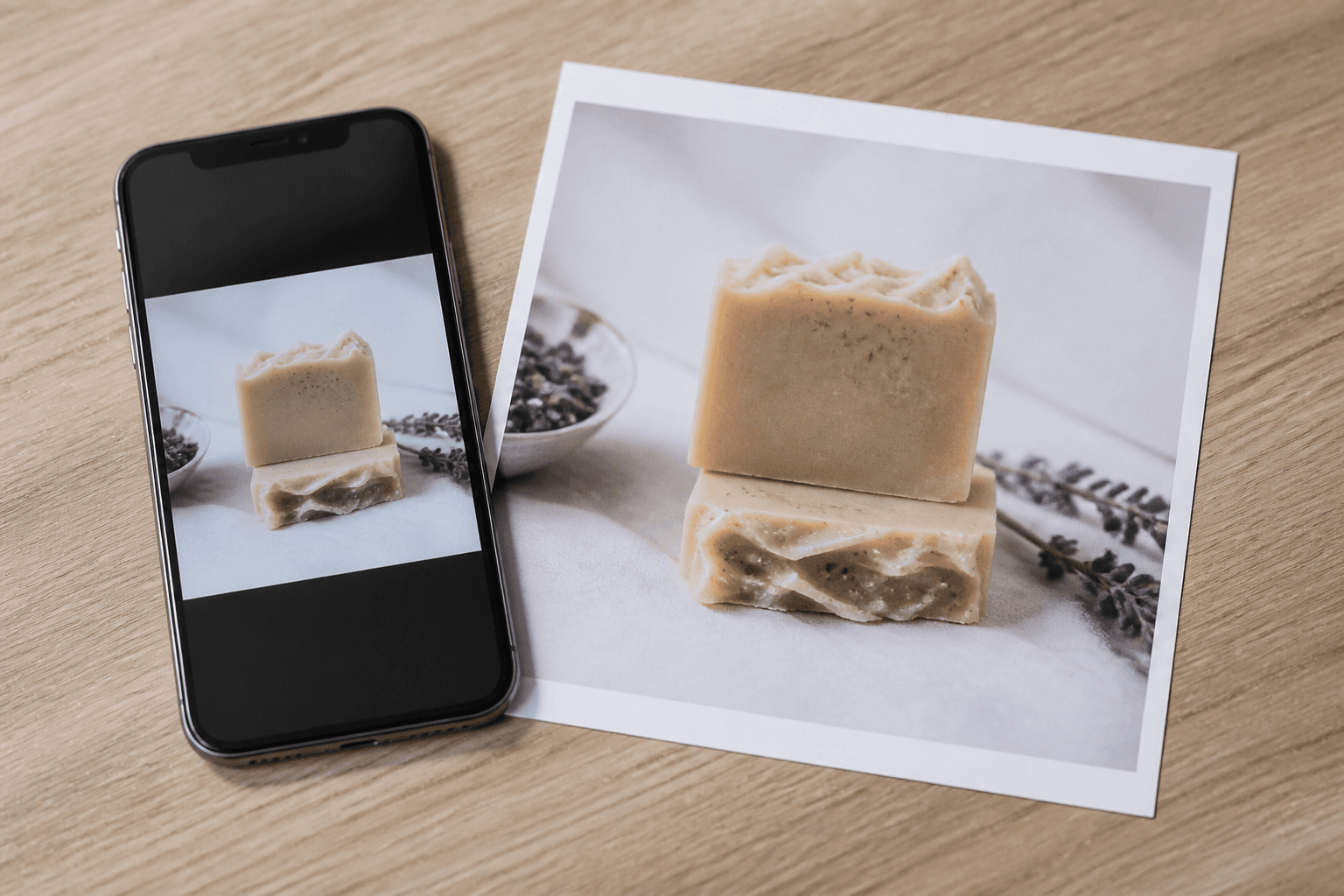
iPhones save HEIC by default. Etsy listing photos need a web-friendly format at 2000×2000. If you email yourself a tiny JPG or screenshot the camera roll, the listing looks soft in zoom and in the search grid.
What AutoSizer does with HEIC
AutoSizer accepts HEIC on Process, decodes it in the browser, then applies the Etsy preset: 2000×2000 with thumbnail-safe cropping. You download JPG (or your chosen format) in a ZIP. You do not need a separate converter app first.
Steps
- AirDrop or copy original HEIC files, not compressed Messages versions.
- Open Etsy Image Resizer and upload up to 10 files.
- Confirm the Etsy preset and download the ZIP.
- Upload the first image as your Etsy thumbnail.
Avoid these quality traps
Do not convert HEIC to JPG, then resize in a second tool, then compress again for email. Each generation adds artifacts. Decode once, resize once, upload.
FAQ
Does Etsy accept HEIC uploads?
Etsy expects JPG, PNG, GIF, or WebP for listing photos. Convert iPhone HEIC files before you upload, then resize to 2000×2000.
Will converting HEIC reduce quality?
A high-quality JPEG export from HEIC is plenty for Etsy if you start from the original and resize once. Avoid screenshotting the photo or running it through multiple apps.