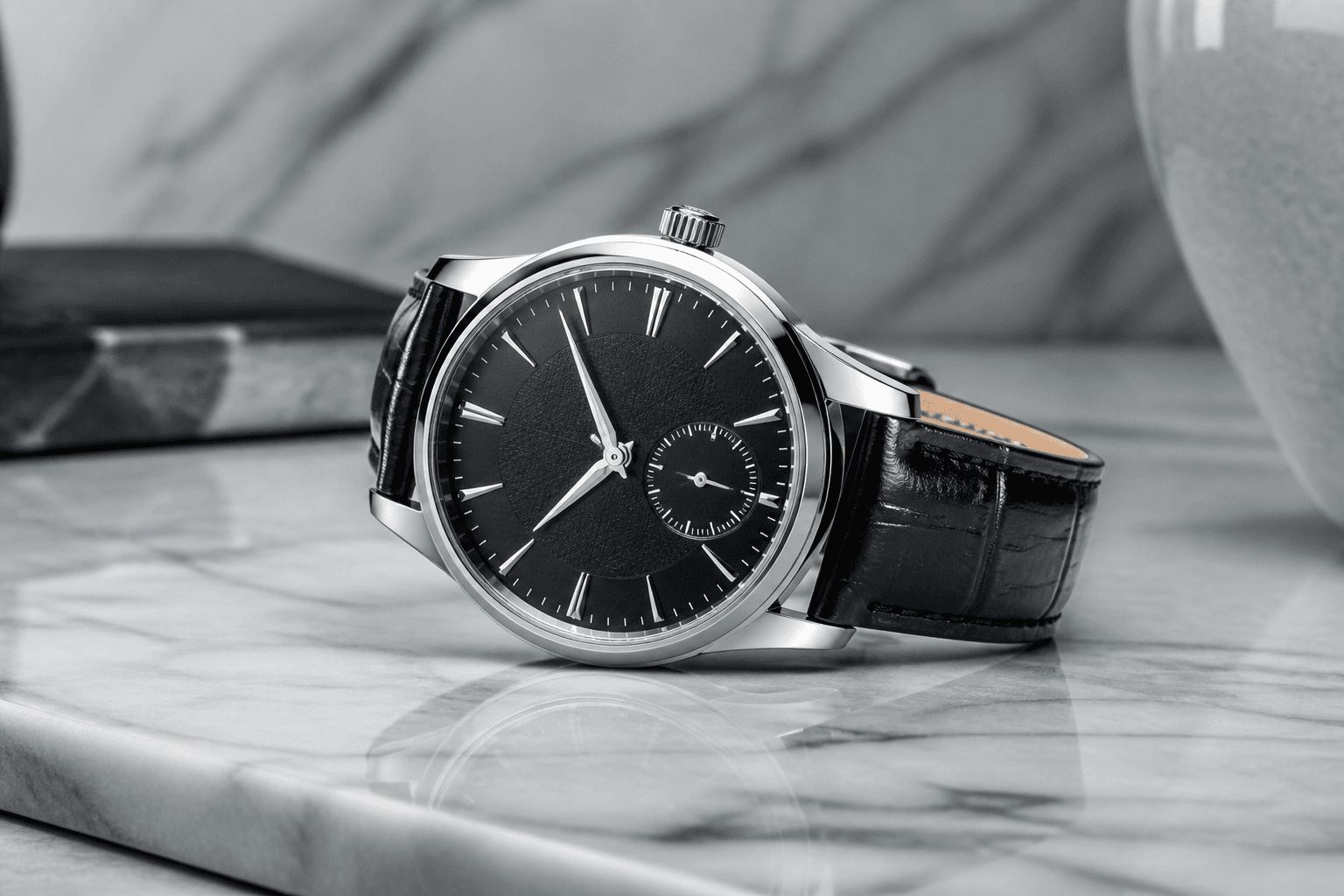
You can have the perfect product and competitive pricing—but if your photos aren't convincing, shoppers will never click "Add to cart." The good news: you don't need a studio to create images that convert.
1. Make the Main Image Do One Job Well
Your main image needs to stop the scroll. It should clearly show what the product is—no distractions, no heavy text, no cluttered props. Ask yourself:
- Can someone understand the product at a glance in search results or grid view?
- Does the image still work when cropped to a square thumbnail?
2. Cover These Core Angles
A simple, high-converting photo set usually includes:
- Main hero shot on a clean background.
- Side or back angle to show depth and shape.
- Close-up detail shot (texture, stitching, controls, etc.).
- Lifestyle shot showing the product in use or in context.
3. Use Lifestyle Shots to Remove Doubt
Lifestyle photos answer questions customers might not even know how to ask. They show scale, intended use, and how the product fits into real life. For example:
- Mugs next to a hand or on a table to show capacity.
- Wall art in a room so buyers can imagine it in their own space.
4. Match Each Marketplace's Expectations
Etsy, Shopify, and Amazon all have slightly different norms for what "good" photos look like:
- Etsy: Slightly more creative lifestyle shots work well, but still benefit from clean, square 2000×2000 px images.
- Shopify: Your own theme dictates the layout, but crisp, zoomable 2048×2048 px images are a must.
- Amazon: A strict white-background main image plus supporting lifestyle and detail shots processed via the Amazon Image Optimizer.
5. Order Images Strategically
The sequence of images matters. A simple, effective order is:
- Image 1: Clear hero shot (search thumbnail).
- Image 2–3: Alternate angles and close-ups.
- Image 4–5: Lifestyle and scale shots.
Conclusion
You don't need dozens of images per product—you need a curated set that answers questions, builds trust, and shows your product clearly. Combine thoughtful image selection with platform-perfect sizing from AutoSizer, and your photos will finally start doing the heavy lifting for your conversions.