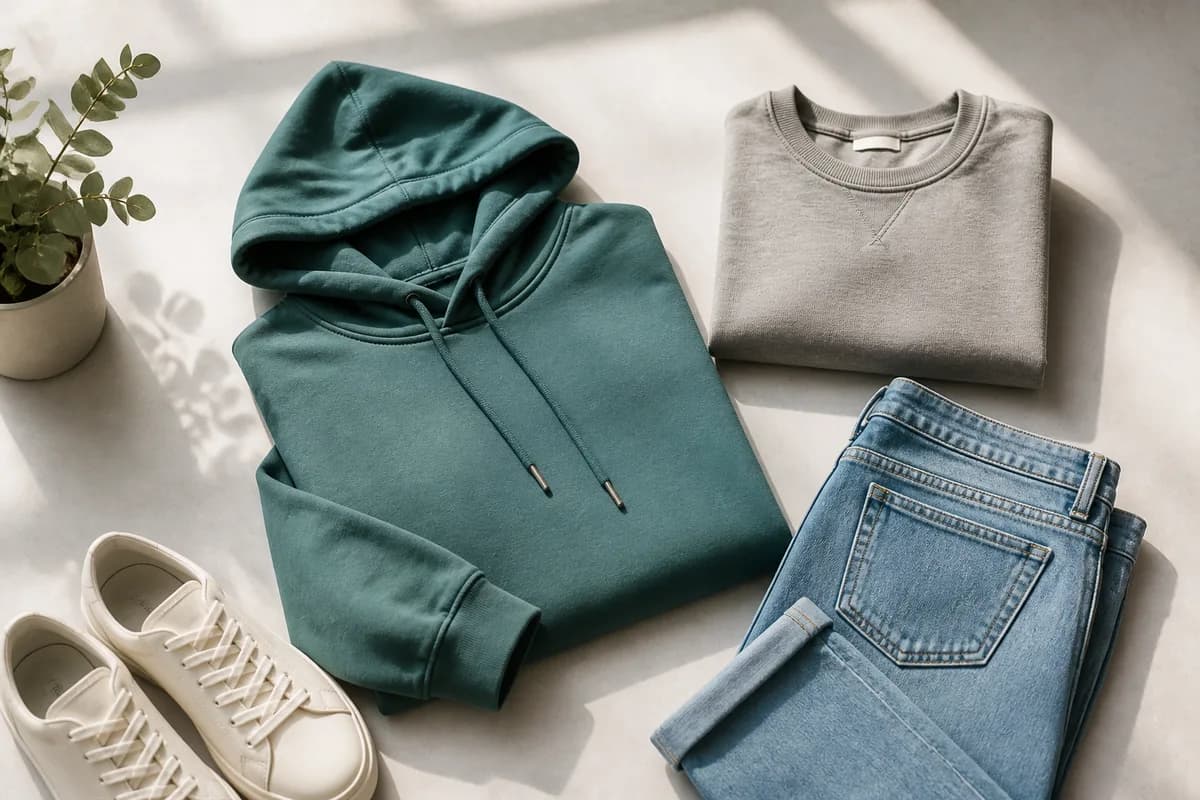
Professional product photography is one of the most important factors in converting visitors into customers on Shopify. Learn these 10 proven techniques to create stunning product images that drive sales and build trust.
1. Use Natural Lighting
Natural light is your best friend when photographing products. Shoot near a large window during daylight hours to get soft, even lighting that shows your product's true colors and textures. Avoid harsh direct sunlight, which can create unwanted shadows and highlights.
2. Invest in a Clean Background
A clean, simple background helps your product stand out. Use white, light gray, or neutral backgrounds that don't distract from your product. For lifestyle shots, choose backgrounds that complement your product's style and brand identity.
3. Show Multiple Angles
Customers want to see your product from every angle. Include front, back, side, and detail shots. This helps customers make informed purchasing decisions and reduces return rates. Use all available image slots on Shopify to showcase your product thoroughly.
4. Optimize for Mobile Viewing
Most Shopify customers browse on mobile devices. Ensure your product images look great on small screens by keeping important details centered and using high contrast. Test your images on a mobile device before publishing.
5. Use Consistent Styling
Maintain a consistent photography style across all your products. This creates a cohesive brand identity and makes your store look more professional. Use the same lighting setup, background, and composition style for all product photos.
6. Include Lifestyle Shots
Show your product in use or in a real-world context. Lifestyle shots help customers visualize owning and using your product, which increases emotional connection and conversion rates. Mix product-only shots with lifestyle images for the best results.
7. Focus on Product Details
Include close-up shots of important details, textures, and features. This helps customers understand the quality and craftsmanship of your product. Use macro photography techniques to capture fine details that might not be visible in full product shots.
8. Use Proper Image Dimensions
Shopify recommends 2048×2048 pixels for product images. This ensures your images look crisp on all devices and enables zoom functionality. Use AutoSizer to automatically resize your images to the perfect dimensions for Shopify.
9. Edit for Consistency
Post-process your images to ensure consistent color, brightness, and contrast across all product photos. Use the same editing settings for all images to maintain a cohesive look. Don't over-edit—keep your images looking natural and true to life.
10. Test and Iterate
Monitor which product images perform best and adjust your photography style accordingly. Use Shopify analytics to see which images get the most engagement and conversions. Continuously improve your photography based on data and customer feedback.
Conclusion
Great product photography is essential for Shopify success. By following these 10 tips, you can create professional, conversion-focused product images that help your store stand out and drive sales. Remember, your product images are often the first impression customers have of your brand—make it count!