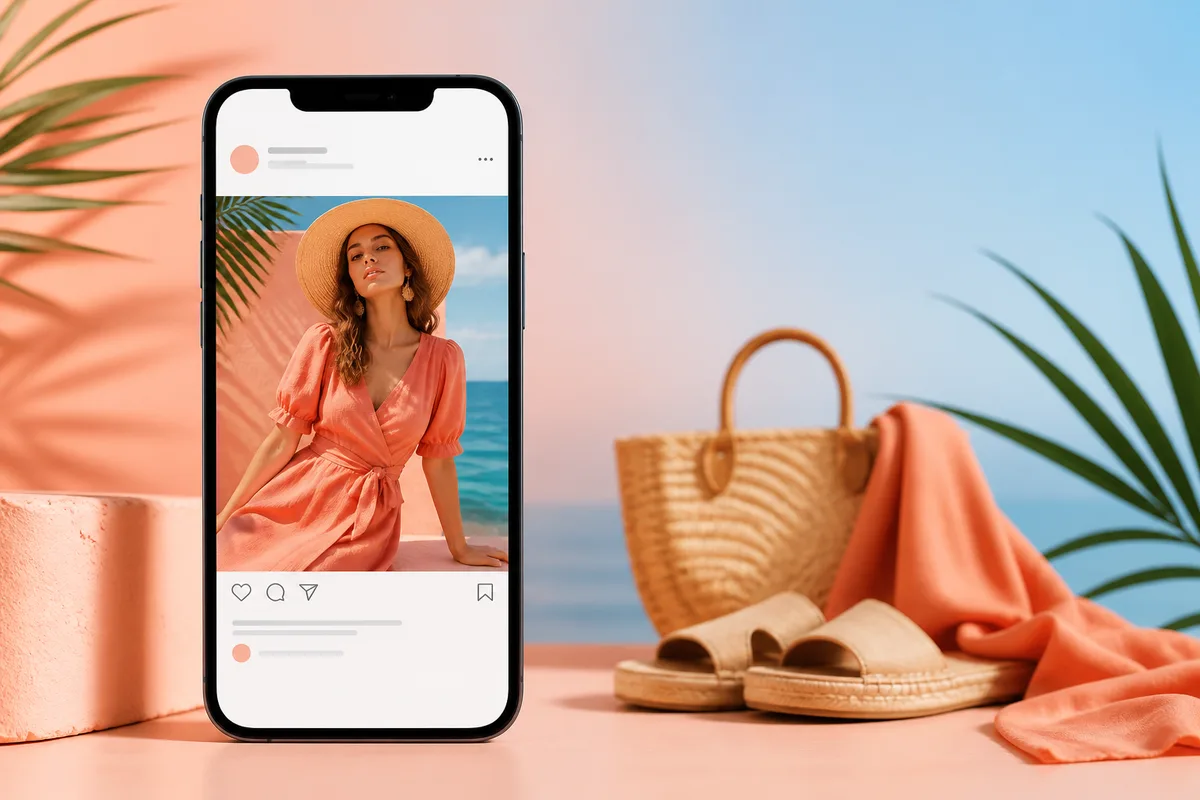
Instagram's image requirements have evolved over the years. Stay updated with the latest image sizes and best practices for 2026 to ensure your content looks perfect and performs well on the platform.
Instagram Post Image Sizes
Square Posts (Recommended)
- Dimensions: 1080×1080 pixels (1:1 aspect ratio)
- File Format: JPG or PNG
- File Size: Maximum 30MB
Portrait Posts
Portrait posts (4:5 aspect ratio) are great for showcasing products or people. Recommended size: 1080×1350 pixels. These posts take up more screen space in the feed, making them more engaging.
Landscape Posts
Landscape posts (1.91:1 aspect ratio) work well for scenic photos or wide product shots. Recommended size: 1080×566 pixels. Note that landscape posts appear smaller in the feed compared to square or portrait posts.
Instagram Story Image Sizes
- Dimensions: 1080×1920 pixels (9:16 aspect ratio)
- File Format: JPG or PNG
- File Size: Maximum 30MB
Instagram Reels Image Sizes
Instagram Reels use the same dimensions as Stories: 1080×1920 pixels (9:16 aspect ratio). This vertical format is optimized for mobile viewing and takes up the full screen when viewed.
Best Practices for Instagram Images
1. Use High-Quality Images
Always use high-resolution images that are sharp and clear. Blurry or pixelated images can hurt your engagement and make your brand look unprofessional.
2. Optimize for Mobile
Most Instagram users browse on mobile devices. Ensure your images look great on small screens by keeping important elements centered and using high contrast.
3. Maintain Consistent Style
Develop a consistent visual style for your Instagram feed. This helps build brand recognition and makes your profile look more cohesive and professional.
4. Use Proper Aspect Ratios
Stick to Instagram's recommended aspect ratios to avoid cropping issues. Square posts (1:1) are the safest choice and display consistently across all devices.
Using AutoSizer for Instagram Images
AutoSizer makes it easy to optimize your Instagram images. Simply upload your photos, select the Instagram preset, and our AI-powered tool automatically:
- Resizes images to perfect 1080×1080 pixels for square posts
- Applies thumbnail-safe cropping to keep important details visible
- Optimizes file sizes for faster uploads
- Processes multiple images at once with batch processing
Conclusion
Using the correct image sizes and following best practices is essential for Instagram success. By optimizing your images for the platform, you can improve engagement, reach more followers, and build a stronger brand presence. Use AutoSizer to ensure all your Instagram images are perfectly sized and ready to post.