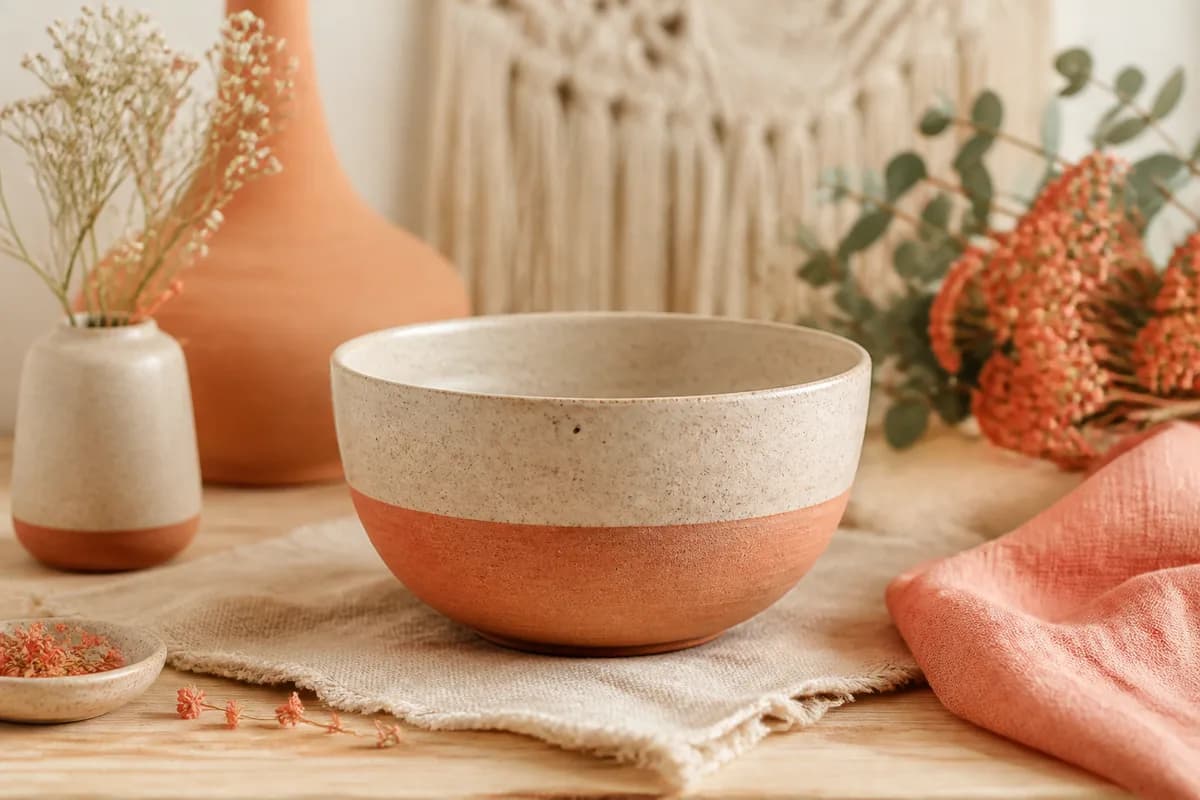
Master Etsy's image requirements and boost your sales with our comprehensive guide to product photography and optimization. Learn the best practices for creating perfect 2000×2000 images that stand out in Etsy's search results.
Why Image Quality Matters on Etsy
Your product images are the first thing potential customers see when browsing Etsy. High-quality, properly optimized images can significantly increase your click-through rates, conversion rates, and overall sales. Etsy's algorithm also favors listings with professional, well-optimized images.
Etsy Image Requirements
Key Requirements:
- Dimensions: 2000×2000 pixels (recommended)
- File Format: JPG, PNG, or GIF
- File Size: Maximum 20MB per image
- Number of Images: Up to 10 images per listing
- Aspect Ratio: Square (1:1) works best
Best Practices for Etsy Product Photography
1. Use Natural Lighting
Natural light is your best friend when photographing products for Etsy. Shoot near a window during daylight hours to get soft, even lighting that shows your product's true colors and details.
2. Keep Backgrounds Clean and Simple
A clean, simple background helps your product stand out. Use white, light gray, or neutral backgrounds that don't distract from your product. Etsy's search results favor listings with clean, professional backgrounds.
3. Show Multiple Angles
Use all 10 available image slots to show your product from different angles. Include close-up shots of important details, the product in use, and lifestyle shots that help customers visualize owning your product.
4. Optimize for Thumbnails
Your first image becomes the thumbnail in Etsy's search results. Make sure the most important part of your product is centered and visible even when the image is cropped to a small thumbnail size. This is where thumbnail-safe cropping becomes crucial.
Image Optimization Tips
File Size Optimization
While Etsy allows up to 20MB per image, smaller file sizes load faster and provide a better user experience. Aim for file sizes between 500KB and 2MB for optimal balance between quality and performance.
Color Accuracy
Ensure your images accurately represent your product's colors. Use proper white balance settings and avoid over-editing that might mislead customers about the actual product appearance.
Consistent Style
Maintain a consistent photography style across all your listings. This creates a cohesive brand identity and makes your shop look more professional and trustworthy.
Using AutoSizer for Etsy Images
AutoSizer makes it easy to optimize your Etsy product images. Simply upload your photos, select the Etsy preset, and our AI-powered tool automatically:
- Resizes images to perfect 2000×2000 pixels
- Applies thumbnail-safe cropping to keep important details visible
- Optimizes file sizes for faster loading
- Processes multiple images at once with batch processing
Common Mistakes to Avoid
- ✗Using images that are too small or low resolution
- ✗Cluttered backgrounds that distract from the product
- ✗Poor lighting that makes products look unappealing
- ✗Not optimizing images for thumbnail view
- ✗Inconsistent image styles across listings
Conclusion
Optimizing your Etsy product images is one of the most important steps you can take to improve your shop's performance. By following these best practices and using tools like AutoSizer, you can create professional, eye-catching images that drive more traffic and sales to your Etsy shop.
Remember, your images are often the first impression customers have of your products. Make it count!